TikTok Story Downloader - Save TikTok Stories
Fast, free TikTok Story downloader in HD quality without watermark
How to Download TikTok Story Videos Before Expiration
-
Step 1: Copy TikTok Story Link
Open TikTok, view the Story you want to save, tap Share and select Copy Link.
-
Step 2: Paste Link into SnapTik Story
Open SnapTik Story in your browser and paste the URL into the search box.
-
Step 3: Save HD Story Video
Click Download, select MP4 HD, and save the Story video to your device.
SnapTik Story Downloader Features
Bypass 24h Expiration
Save ephemeral TikTok Stories before they vanish forever
Clean 1080p HD Quality
Remove watermark overlays from story video clips
iOS Photos Direct Save
Transfer downloaded stories straight to iPhone camera roll
Private & Anonymous
Download public stories without revealing user identity
SnapTik Story allows you to download tiktok story videos without watermark in crisp HD quality. Save temporary 24-hour Stories to your device before they vanish.
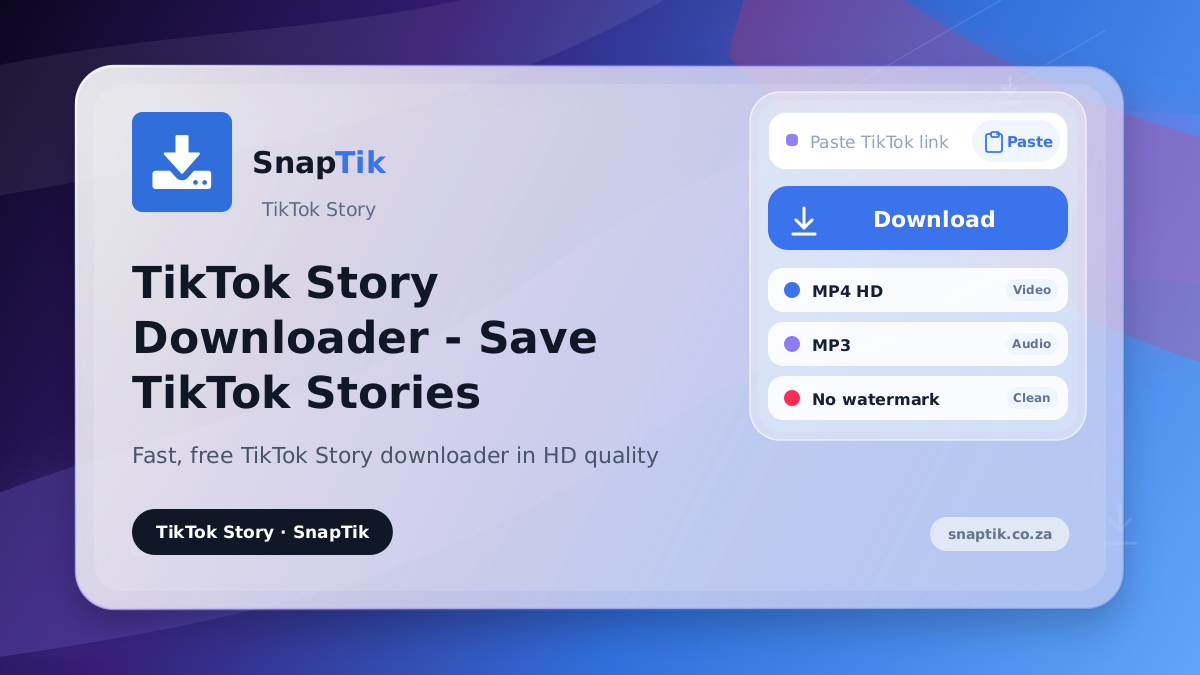
Follow these 3 easy steps to capture and save any public TikTok Story:
How to Download TikTok Story Videos Before Expiration
- Step 1: Copy TikTok Story Link. Open TikTok, view the Story you want to save, tap Share and select Copy Link.
- Step 2: Paste Link into SnapTik Story. Open SnapTik Story in your browser and paste the URL into the search box.
- Step 3: Save HD Story Video. Click Download, select MP4 HD, and save the Story video to your device.
TikTok Stories automatically disappear after 24 hours. SnapTik processes live story URLs immediately, allowing you to backup creative updates before the 24-hour window expires.
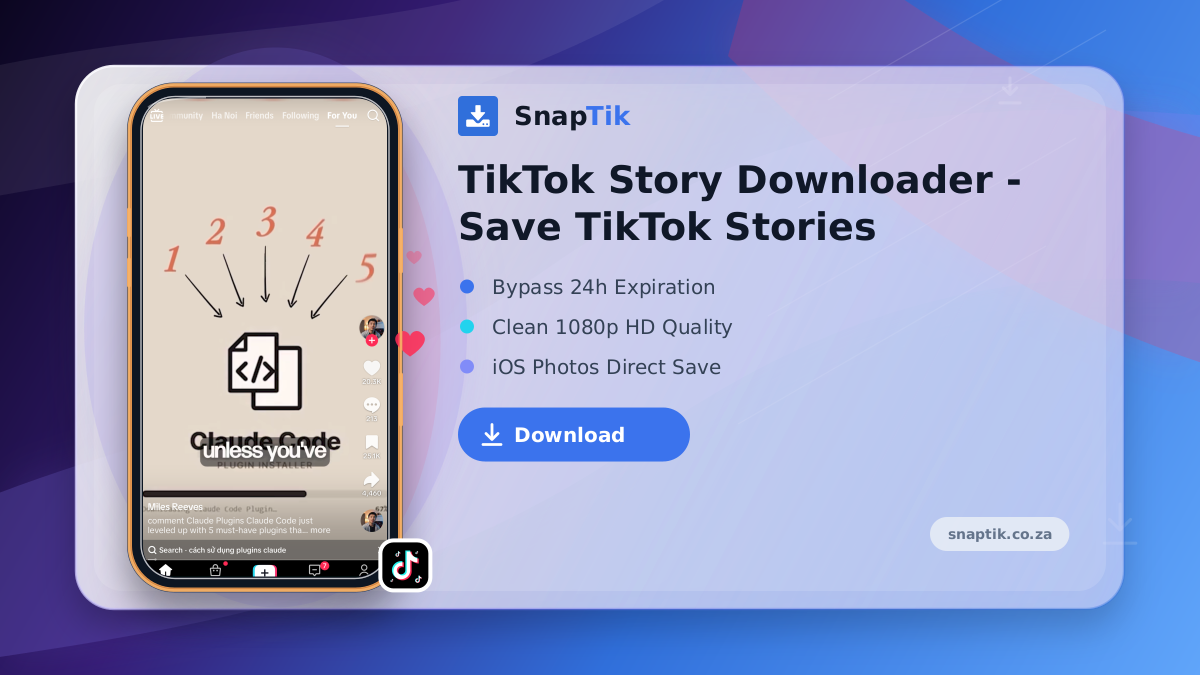
Understanding TikTok 24-Hour Story Architecture
Standard in-app saving attaches moving logo overlays. SnapTik removes all watermark layers cleanly, saving original 1080p MP4 videos without quality loss.
No-Watermark Full HD Video Quality Retention
On iOS Safari, files download into the Files app by default. After downloading via SnapTik, tap the Share menu in Safari and select Save Video to transfer it directly to your Photos camera roll. Learn more on our About Us page.
Saving TikTok Stories Directly to iPhone Photos App
We strictly process public story links and respect account privacy settings. Private stories are not accessible. Review our Privacy Policy.