Ever come across a catchy song on TikTok and wished you could save it to your device? The truth is, downloading TikTok songs as MP3 is much easier than you think. With just a few simple steps, you can extract audio from any video and listen to it anytime, even without an internet connection. In this guide, you’ll learn how to download TikTok audio quickly, cleanly, and in a beginner-friendly way - no technical skills needed.
Why Download TikTok Songs as MP3?
You don’t always want to open TikTok just to listen to a favorite music clip. Sometimes, all you need is a lightweight MP3 file that you can play instantly - no video, no internet, no interruptions or endless scrolling.
Downloading TikTok songs as MP3 brings more practical benefits than you might think:
-
Listen offline anytime: No need for WiFi or mobile data, especially convenient while traveling, commuting, or on the go. Just open the file and enjoy instantly without any interruptions.
-
Save battery and data: Playing audio instead of video helps your device last longer and uses less mobile data – perfect for phones with limited battery life.
-
Easy to reuse: MP3 files can be used as background music for other TikTok videos, Instagram or Facebook stories, or personal projects like montages, reels, or short vlogs.
-
No app dependency: You don’t have to open TikTok every time you want to replay a song, giving you more control over your listening experience.
-
Lightweight storage: MP3 files are usually small and easy to organize in your music library, unlike video files that take up much more space.
Moreover, many TikTok tracks are remixes, short edits, or viral snippets that may not exist on other platforms like Spotify or YouTube. If you miss the chance to download them immediately, it can be hard to find them again once the trend passes. This is why downloading TikTok songs as MP3 is so valuable for anyone who wants to keep up with trends and maintain a personal playlist.
Simply put: downloading TikTok songs as MP3 isn’t just a convenient solution. It allows you to take control of how you listen, store, and use content, turning short viral tracks into a personal playlist that’s always ready to play whenever you want.
Download TikTok Songs as MP3
Step‑by‑Step Guide: How to Download TikTok Audio as MP3
You don’t need to install any apps or have technical skills. With just a few simple steps below, you can download music from TikTok as an MP3 file in under a minute.
The fastest method
Step 1: Copy the TikTok video link
-
Open TikTok and find the video with the song you want
-
Tap the Share icon
-
Select Copy Link
Step 2: Paste the link into a downloader
-
Open any TikTok downloader website that supports MP3
-
Paste the copied link into the input box
Most tools have a simple interface - you just paste the link and go.
Step 3: Choose MP3 format
-
After processing the link, you’ll see download options
-
Select MP3 (Audio only) instead of MP4
Step 4: Download to your device
-
Click Download
-
The audio file will be saved to your phone or computer
That’s it! You can now play the file and listen offline anytime.
Who is this method for?
-
Anyone who wants a quick and simple solution
-
Mobile users (Android & iPhone)
-
Users who don’t want to install extra apps
Tips for better audio quality
-
Choose videos with clear sound and minimal background noise
-
Prefer original uploads instead of reuploads
-
Check the file size before downloading
With just a few steps, you can turn any TikTok video into an MP3 file and enjoy your favorite songs anytime, anywhere - no app needed.
Best TikTok MP3 Downloaders That Actually Work
Now that you know how to download TikTok songs, the next step is choosing the right tool to make the process faster, more reliable, and ensure the best audio quality
SnapTik
SnapTik is one of the most popular tools for downloading TikTok songs as MP3 without installing any apps. With a simple interface, you just need to copy the video link from TikTok, paste it into the input box, and select the MP3 format to download within seconds. It works smoothly on both mobile devices and desktops, making it a convenient option for users who want a quick and hassle-free experience.
One of SnapTik’s biggest advantages is its fast processing speed and ability to download content without watermark while extracting audio reliably. However, the audio quality still depends on the original video, and the website may include some light ads. Overall, if you’re looking for a simple, efficient, and beginner-friendly way to download TikTok songs as MP3, SnapTik is definitely worth trying.
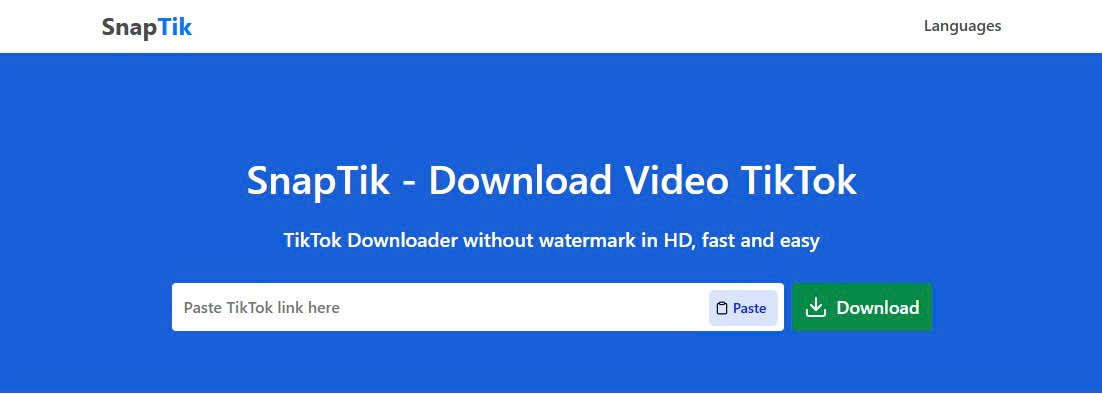
SnapTik Tool is one of the most popular tools for downloading TikTok songs as MP3 without installing any apps
SssTikTok
SssTikTok is another reliable option for downloading TikTok songs as MP3 quickly and easily. Similar to SnapTik, this tool allows you to copy a video link from TikTok, paste it into the website, and convert it into an MP3 file within seconds. Its clean interface and straightforward process make it especially beginner-friendly.
What makes SssTikTok stand out is its consistent performance and stability, even when handling multiple downloads. It works well across different devices and browsers, providing a smooth experience without requiring installation. While it may include some ads and doesn’t offer many advanced customization options, it remains a solid choice for users who want a simple, dependable way to download TikTok audio and listen offline anytime.
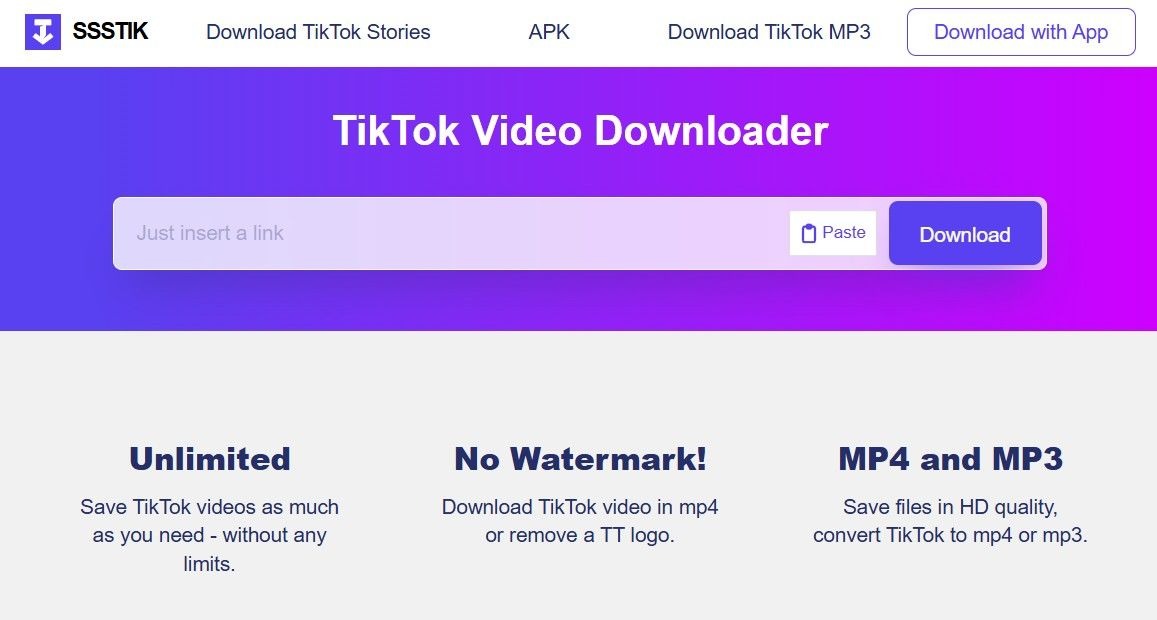
SSSTik Tool is another reliable option for downloading TikTok songs as MP3 quickly and easily.
MusicallyDown
MusicallyDown is a great choice for users who prioritize audio quality when downloading TikTok songs as MP3. Similar to tools like SnapTik and SssTikTok, it allows you to paste a video link from TikTok and convert it into an MP3 file in just a few seconds. The interface is simple and easy to navigate, making it suitable even for first-time users.
What makes MusicallyDown stand out is its focus on delivering clean and high-quality audio output, which is especially useful if you plan to reuse the sound for editing or content creation. It also supports downloading without watermark and works smoothly on both mobile and desktop devices. While the site may include ads and slightly slower processing at times, it’s still a strong option for anyone looking for better audio quality when downloading TikTok songs.
Tips to Download TikTok Songs as MP3 More Effectively
Downloading TikTok songs as MP3 is simple, but using the right approach can significantly improve audio quality, save time, and help you avoid common issues during the process.
-
Choose videos with clear and original audio instead of reuploads or edited clips, as these often contain background noise or voiceovers that reduce sound quality
-
Use trusted tools like SnapTik, SssTikTok, or MusicallyDown to ensure stable downloads and avoid broken links or unsafe websites
-
Always select MP3 format (audio only) instead of MP4, especially if you only need the sound, as this helps reduce file size and makes it easier to manage your music library
-
Avoid clicking fake or duplicate Download buttons, which are often ads, by focusing only on the main download option to prevent pop-ups or unwanted redirects
-
Check available audio quality settings (if supported) and choose higher bitrate options for better listening, especially if you plan to reuse the audio for editing or content creation
-
Download from original or high-engagement videos when possible, since these usually have better sound clarity and fewer distortions
-
Make sure your internet connection is stable during the download process to avoid corrupted or incomplete MP3 files
By applying these simple but effective tips, you can download TikTok songs faster, safer, and enjoy a cleaner, higher-quality listening experience anytime offline.
Conclusion
Downloading TikTok songs as MP3 is easier than ever, even if you have no technical experience. With just a few simple steps, you can turn any video on TikTok into a clean audio file and enjoy it offline whenever you want. By choosing the right tools and applying a few smart tips, you can save time, avoid common issues, and get better sound quality for your music. Whether you want to listen on the go, reuse audio for content creation, or simply keep your favorite trending songs, downloading TikTok MP3 gives you full control over your listening experience. Now it’s your turn - try downloading your favorite TikTok song today and start building your own playlist that you can enjoy anytime, anywhere.