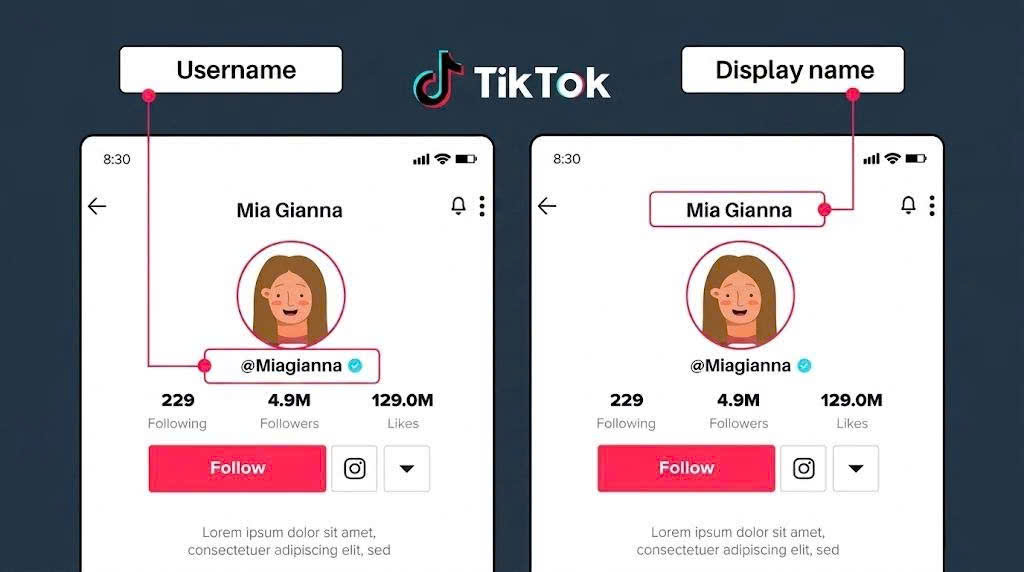
TikTok Stories are a great way to share quick, engaging moments, but saving them without a watermark isn’t always straightforward. Whether you want to keep a clean version for personal use or reuse content across platforms, knowing the right method can make all the difference. In this guide, you’ll discover a simple and effective way to download TikTok stories without watermark, along with helpful tips to get the best quality and results.
Why Download TikTok Stories Without Watermark?
Downloading TikTok Stories without a watermark is not just about saving videos - it also allows you to use the content more flexibly and professionally in different situations.
-
Better visual quality: Videos without logos look cleaner, more professional, and more appealing to viewers
-
Easier editing and reuse: You can trim, add effects, or repurpose the video without being affected by the watermark
-
Optimized for cross-platform sharing: Ideal for reposting on platforms like Facebook, Instagram Reels, or YouTube Shorts without overlapping logos
-
Convenient storage: Lets you save your favorite videos for offline viewing or future reference
-
Great for content creators: Helps speed up content creation when you need to reuse or remix videos
Overall, removing the watermark not only improves the viewing experience but also expands how you can use TikTok content more effectively.
How to Download TikTok Story Without Watermark Step by Step
Downloading TikTok Stories without a watermark is actually very simple if you follow the right process. You don’t need to install any software or have technical skills - just follow the steps below and you can save clean videos to your device in under a minute. This method works on both mobile and desktop, making it accessible for almost any user.
Step 1: Copy the TikTok Story link
First, open TikTok and find the story you want to download. Tap the share icon and select Copy Link to get the video URL. This step is essential, as the entire download process depends on the link, so make sure it is copied correctly.
Step 2: Open an online TikTok downloader
Next, open your browser on either mobile or desktop and access a TikTok downloader tool. These tools work directly online, so there’s no need to install anything or log in, making them very convenient for beginners.
Step 3: Paste the link into the tool
On the downloader interface, you’ll see a field where you can paste the link. Insert the TikTok Story URL you copied earlier and double-check it to avoid any errors during processing or failed downloads.
Step 4: Choose the no watermark option
After pasting the link, the tool will provide download options. Select the version without a watermark to get a clean video. This is especially useful if you plan to edit or repost the content on other platforms.
Step 5: Download and save the video
Finally, click the Download button and wait a few seconds for the tool to process your request. Once the download link appears, click it to save the video to your device. The file will usually be stored in your downloads folder or gallery.
Best Tools to Download TikTok Stories Without Watermark
There are many tools available today that help you download TikTok Stories without a watermark, but not all of them provide the same experience. Choosing the right tool can save you time, ensure better video quality, and reduce potential issues during the download process. Each tool comes with its own strengths, depending on whether you prioritize speed, simplicity, or advanced features.
SnapTik
SnapTik is one of the most popular tools for downloading TikTok videos without a watermark. With its simple interface and fast processing speed, it is often the go-to choice, especially for beginners. It works directly on your browser, making it convenient for quick downloads without extra steps.
Pros:
-
Fast download speed with quick link processing
-
No login or installation required
-
Completely free watermark-free downloads
-
User-friendly interface on both mobile and desktop
Cons:
-
Contains ads during usage
-
Does not support batch downloads
-
Limited advanced features for power users
How to use: Copy the TikTok Story link - open SnapTik - paste the link - select the no-watermark option - download the video. The whole process takes only a few seconds.

SnapTik Tool is one of the most popular tools for downloading TikTok videos without a watermark
SSSTikTok
SSSTikTok is known for its stability and compatibility across different devices. It’s a great option if you want a reliable and consistent experience when downloading videos. The tool is designed to work smoothly even on lower-end devices.
Pros:
-
Works well on both mobile and desktop
-
Clean and simple interface
-
Supports high-quality video downloads
-
No account required
Cons:
-
Slower speed during peak usage times
-
Fewer extra features compared to other tools
-
May include occasional ads
How to use: Copy the TikTok Story link - open SSSTikTok - paste the link - choose the video format - download and save it to your device.
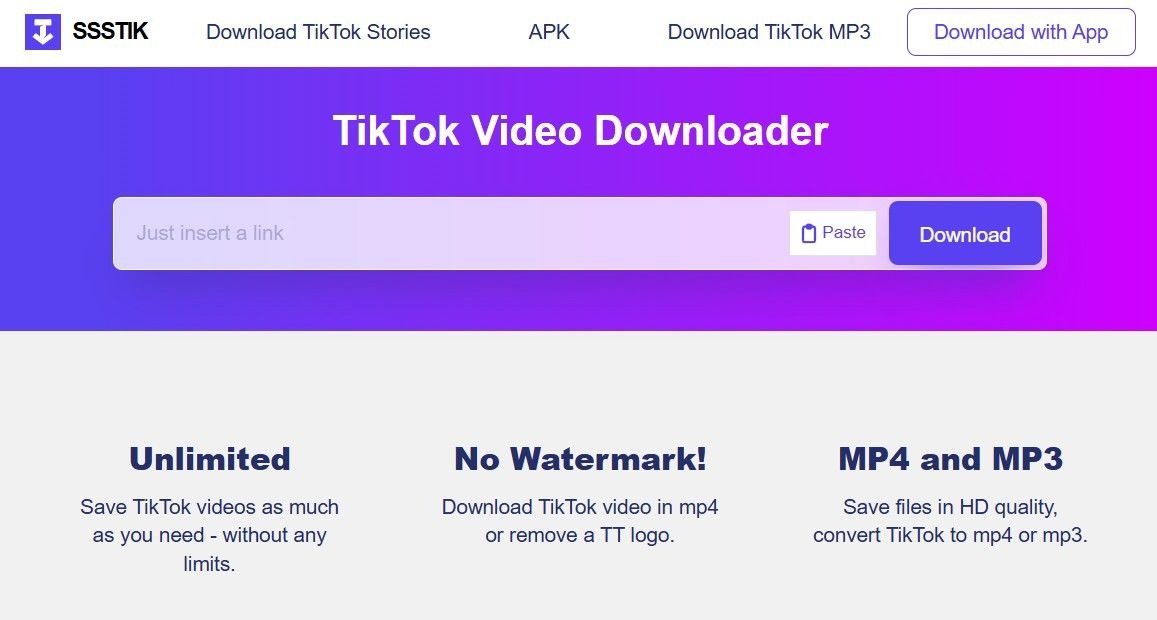
SSSTikTok is known for its stability and compatibility across different devices
MusicallyDown
MusicallyDown is ideal for users who want more flexibility, especially when downloading audio or customizing video quality. It’s particularly useful for content creators who need more control over how they use downloaded content.
Pros:
-
Supports both video and audio (MP3) downloads
-
Allows quality selection based on your needs
-
No login required
-
Useful for content creators needing more control
Cons:
-
Interface may feel cluttered for beginners
-
Contains ads
-
Processing speed can be slower than simpler tools
How to use: Paste the TikTok Story link into the tool - choose video or audio format - select quality - download the file to your device.
Overall, each tool has its own strengths. If you need a quick and simple solution, go for lightweight online tools. If you want more advanced features, consider tools that offer additional options for better control and flexibility.
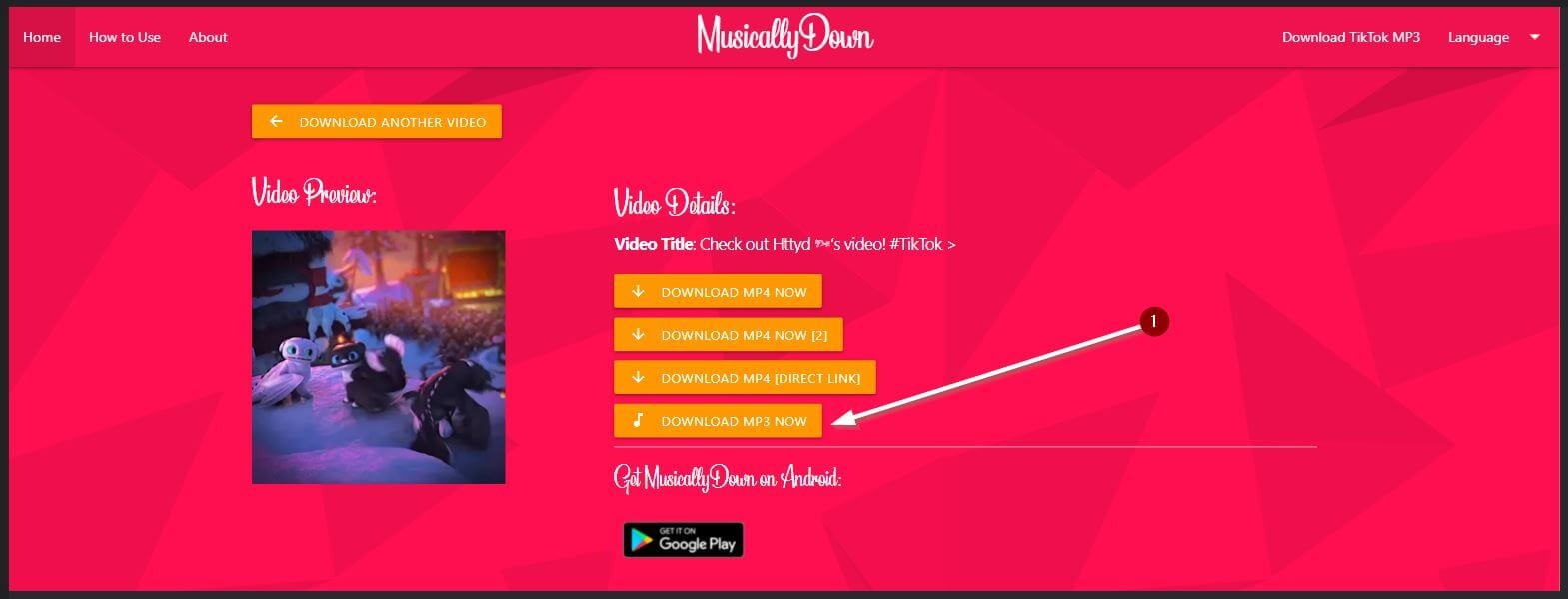
MusicallyDown is ideal for users who want more flexibility
Tips to Download TikTok Stories Quickly and Without Watermark
To download TikTok Stories without a watermark quickly and smoothly, it’s helpful to follow some simple yet highly effective tips. These tips not only minimize errors during the download process but also ensure the best video quality for your experience.
-
Ensure a stable internet connection: Weak or unstable networks can interrupt or slow down downloads, especially for longer videos.
-
Choose the appropriate video quality: If the tool allows, prioritize HD for crisp videos or lower quality to save storage space.
-
Check the TikTok link before downloading: Make sure the Story link you copied is still active and publicly accessible.
-
Avoid peak hours: Some online downloaders may slow down or experience interruptions when too many users access them simultaneously.
-
Clear device storage before downloading: Insufficient space may lead to incomplete or corrupted video downloads.
-
Use an updated browser: Older browsers can cause compatibility issues or errors with some download tools.
-
Explore advanced tool options: Many downloaders let you choose formats or extract audio - take advantage of these to enhance your experience.
These simple tips can save you time, reduce potential errors when downloading TikTok Stories, and ensure the highest quality video output. Consistently applying them will make your download process smoother and faster than ever.
Common Errors When Downloading TikTok Stories and How to Fix Them
When downloading TikTok Stories without a watermark, you might encounter some common issues that prevent successful downloads. Fortunately, most of these problems can be quickly resolved if you know the cause and the solution.
-
Invalid TikTok link - Make sure the link you copied is correct and still active. Double-check for typos or missing characters.
-
Video has been deleted or set to private - Only public videos can be downloaded. If a Story is private or removed, you will need to select another video.
-
Download tool error or system issues - Refresh the page or switch to another downloader tool to process the link successfully.
-
Slow download speed or interruptions - Check your internet connection and avoid using the tool during peak hours when traffic is high.
-
Downloaded video is corrupted or won’t play - Retry downloading at a different quality setting, or use a compatible video player for playback.
-
No watermark removal option available - Some downloaders may not support watermark-free downloads. Choose a tool that explicitly offers this feature for clean videos.
By following these fixes, you can solve most common problems encountered during TikTok Story downloads. Using the right tool and checking your link and device setup will help you download videos smoothly and without interruption.
Conclusion
Downloading TikTok Stories without a watermark has never been easier when you know the right tools and follow simple tips. Choosing the right downloader, checking the link, and ensuring a stable internet connection will save time and deliver high-quality videos. Don’t forget to apply the tips to avoid errors and enhance your download experience. Try it today and unlock unlimited creativity with your TikTok Stories!