You don’t need audio editing skills or complicated software to turn any TikTok video into a clean instrumental in just a few minutes. In 2026, AI has completely transformed how audio is processed: vocals can be separated, background music can be preserved, and high-quality instrumentals can be generated almost instantly. This opens up huge opportunities for anyone who wants to create karaoke tracks, remixes, or cover songs quickly and professionally. In this guide, you’ll discover the simplest way to remove vocals from TikTok videos - fast, easy, and effective even if you’ve never edited audio before.
Why You Need To Remove Vocals From TikTok Videos
Today, TikTok is not only an entertainment platform but also a huge music content hub where millions of cover, remix, and karaoke videos are created every day. However, one major issue is that most TikTok videos have audio that is already mixed with both vocals and background music, making it difficult to reuse. That is why the need for vocal removal has become increasingly popular.
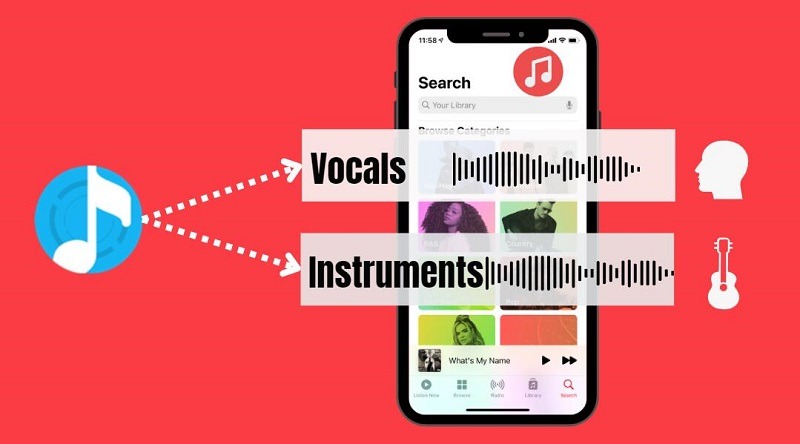
Basically, vocal removal is the process of separating the human voice from a song to keep only the background music. In the past, this required professional audio editing software, but now AI technology can automatically analyze and separate vocals within seconds with fairly high accuracy.
This method is especially useful if you want to:
-
Create cover song videos for TikTok or YouTube
-
Make karaoke tracks for practice or sharing
-
Remix trending audio clips
-
Create your own unique music content
As a result, processing audio from TikTok videos has become faster, easier, and accessible even for users with no audio editing skills.
Remove Vocals From TikTok Videos
Step-By-Step Guide Removing Vocals From TikTok Videos In 2026
Removing vocals from TikTok videos is now incredibly simple thanks to AI tools. You don't need audio editing skills or complicated software; just follow the steps below to create instrumental music in minutes.
Step 1: Download the TikTok video to your device
Before removing vocals, you first need to download the TikTok video you want to process to your phone or computer. This is an important step because most AI vocal removal tools work with video files (MP4), not directly with TikTok links.
The easiest way to do this is by using a video downloader like SnapTik. It is one of the most popular TikTok download tools, allowing you to save videos quickly without installing any complicated software. You just copy the TikTok video link, paste it into SnapTik, and download the file to your device.
Once downloaded, you will have a video file ready to use with AI tools. Make sure to choose the original video and keep the highest possible quality, as this will help the vocal separation process work more accurately and produce a cleaner instrumental result.
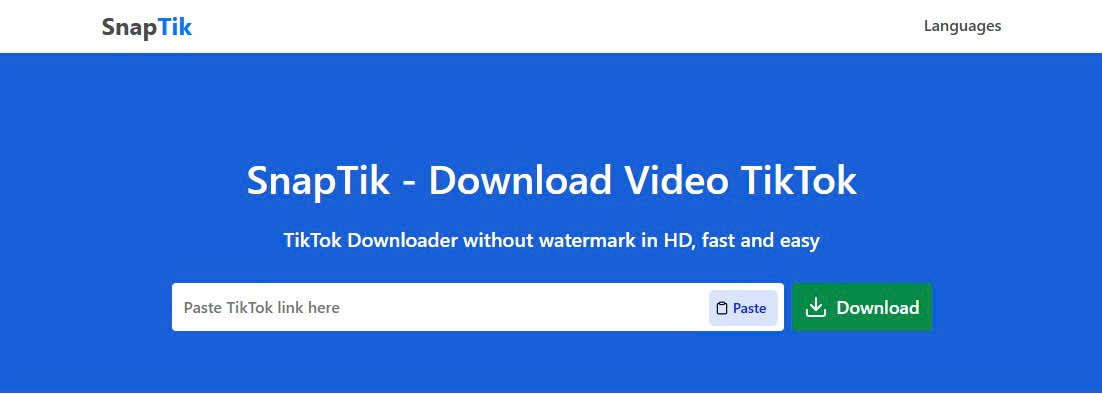
Use SnapTik to download TikTok videos to your device.
Step 2: Upload the video to an AI vocal removal tool
After downloading your TikTok video, the next step is to upload it to an AI tool that can separate vocals from music. Platforms like LALAL.AI can automatically process audio without requiring any editing skills.
Follow these steps:
-
Go to an AI vocal separation website
-
Click the Upload File / Select File button
-
Choose the TikTok video you downloaded in Step 1
-
Wait for the upload process to complete
Once the file is uploaded successfully, the AI will automatically start analyzing the audio in the video. It will detect which parts are vocals and which parts are background music, preparing them for separation.
This process is fully automated, so you don’t need to adjust any settings. Just wait a few seconds to a few minutes, and the tool will be ready for the next step.
Step 3: AI processes and separates vocals from the video
After uploading your video to the AI tool, the system will start analyzing and processing the audio. This is the most important step, as the AI listens to the entire file and identifies what is vocals and what is background music.
During processing, the AI will:
-
Analyze the full audio track in the video
-
Detect the singer’s or speaker’s voice
-
Separate vocals from the background music
-
Generate an instrumental version for preview
Depending on the video length and audio quality, processing time may take just a few seconds or a few minutes. With modern AI tools, this step is fully automated, so you don’t need to perform any additional actions.
Once the process is complete, you will see a preview version that allows you to check the audio quality before downloading.
Step 4: Preview the result and choose the output format
After the AI finishes processing, you will be able to preview the separated audio. This is your chance to check how clean the instrumental sounds and whether the vocal removal is accurate.
At this stage, you should:
-
Listen to the instrumental version carefully
-
Compare it with the original TikTok audio
-
Check if any vocal noise or distortion remains
-
Decide if you want to reprocess with different settings
Most AI tools also allow you to choose the output format before downloading. You can usually select between:
-
Audio file (MP3/WAV) for music use
-
Video file (MP4) if you want to keep visuals
If everything sounds good, you can move on to the final step and download your file.
Step 5: Download the final instrumental track
After reviewing and being satisfied with the result, you can proceed to download the file to your device. This is the final step to complete the process of removing vocals from a TikTok video.
At this stage, you will:
-
Click the Download button to save the file
-
Choose the version you want (instrumental or separate stems if available)
-
Save the file to your phone or computer for later use
Once downloaded, you can use the instrumental for various purposes such as cover videos, audio remixes, or creating background music for your own TikTok content.
Common issues when removing vocals from TikTok videos
When using AI to remove vocals from TikTok videos, the result is not always 100% perfect. Some issues may occur depending on the quality of the original video and the tool you use. Below are the most common problems you should be aware of:
-
Distorted or unnatural audio - This usually happens when the original TikTok video has low audio quality, has been heavily compressed, or already processed before. In these cases, AI struggles to accurately separate vocals from background music, resulting in a robotic or unnatural sound.
-
Residual vocals still present in the instrumental - Some videos have vocals deeply blended into the music or use strong effects like reverb or echo. This makes it difficult for AI to fully remove the voice, leaving faint vocals in the background.
-
Reduced audio quality after processing - During vocal separation, AI may remove or weaken parts of the audio spectrum such as bass or overall richness. As a result, the instrumental may sound thinner compared to the original track, especially with complex songs.
-
Incorrect file upload or unsupported format - A common issue is uploading the wrong file type (not MP4) or using a corrupted video downloaded from TikTok. This can cause the tool to fail or produce inaccurate results.
Overall, these issues can be minimized by using high-quality source videos and choosing the right AI tool. Proper file preparation significantly improves the accuracy and smoothness of the vocal removal process.
Top Vocal Removal Tools for TikTok Videos in 2026
Today, removing vocals from TikTok videos has become extremely easy thanks to advanced AI tools. These platforms can automatically analyze audio, separate vocals from background music, and generate clean instrumentals within seconds - no audio editing skills required.
Below are some of the most popular and effective AI tools you can use in 2026:
-
LALAL.AI - One of the most accurate vocal removal tools available today. It allows you to upload video or audio files directly and uses AI to separate multiple audio layers such as vocals, background music, bass, and instruments. The output quality is clean and suitable for covers and remixes.
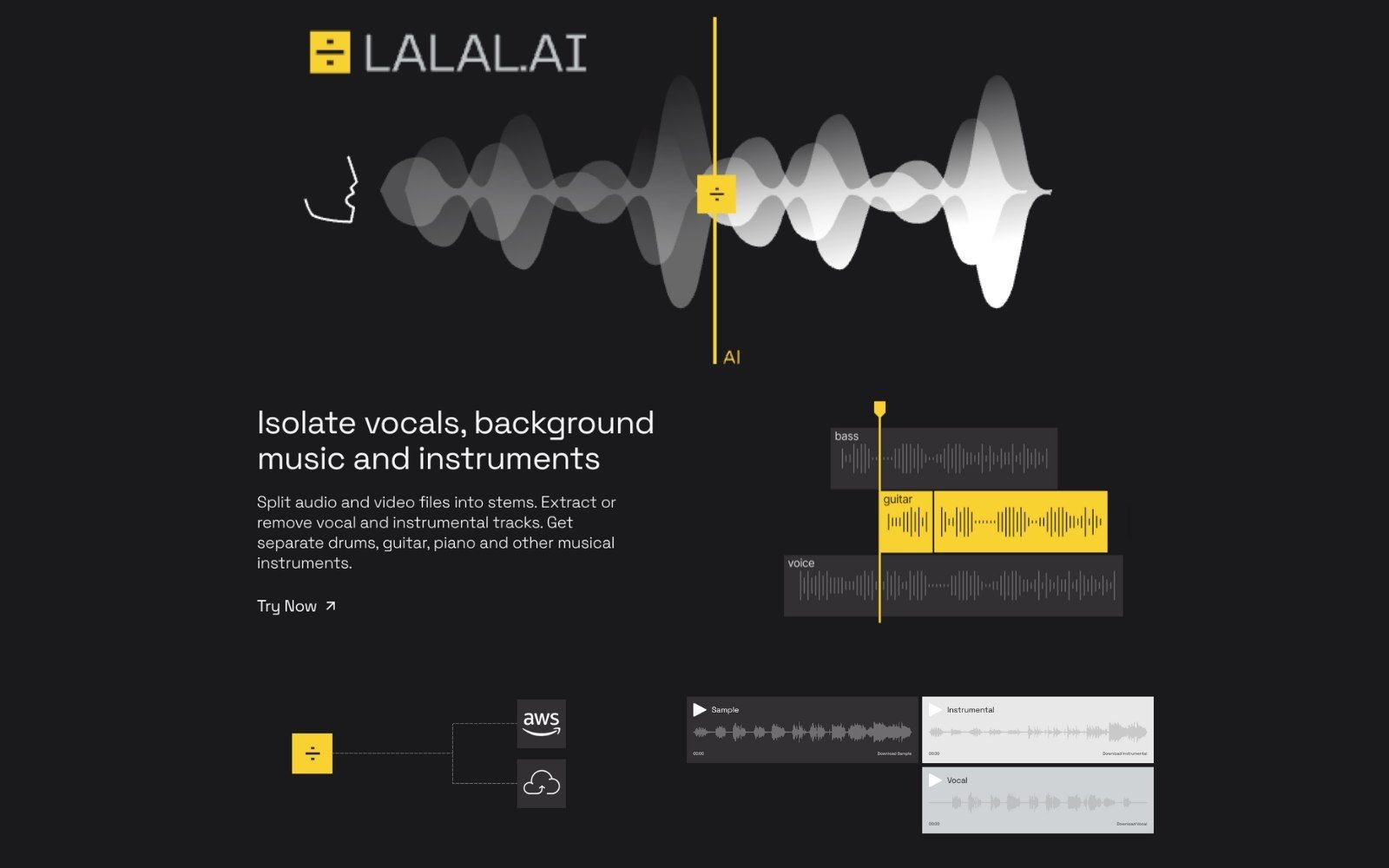
LALAL.AI - One of the most accurate vocal removal tools available today
-
Moises AI - A very popular tool among mobile users thanks to its simple interface. Moises can split audio into vocals, drums, bass, and guitar, and also includes useful features like tempo control, pitch shifting, and music practice tools.
-
Ultimate Vocal Remover (UVR) - A free open-source software known for its high-quality audio separation. However, it requires installation and is more technical compared to online tools, making it better suited for advanced users.
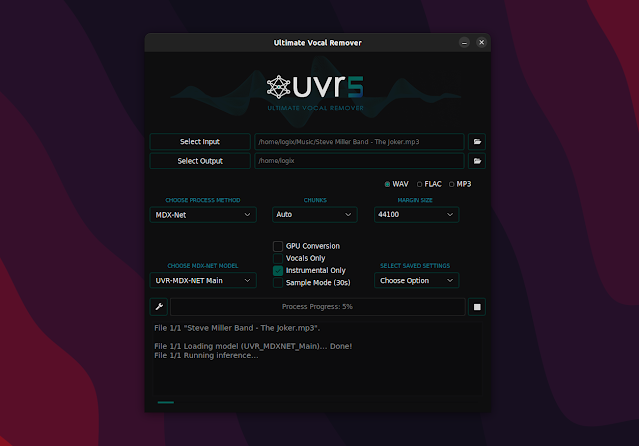
Ultimate Vocal Remover - A free open-source software known for its high-quality audio separation
-
VocalRemover.org (and similar online tools) - Free web-based tools that allow quick vocal removal for basic needs. They are easy to use but may not always deliver consistent quality compared to premium AI platforms.
Overall, each tool serves different needs. If you want high-quality results for covers or professional edits, LALAL.AI and UVR are strong choices. If you prefer quick and simple editing on mobile, Moises is a more convenient option.
Conclusion
Removing vocals from TikTok videos in 2026 has become easier than ever thanks to modern AI tools. With just a few simple steps, you can separate vocals and create high-quality instrumental tracks for covers, remixes, or other creative content. However, to get the best results, you should use high-quality original videos, choose the right tool, and carefully check the preview before downloading. This helps reduce errors and ensures smoother, clearer audio output. If you are a content creator or music lover, this is definitely a useful skill that can help you upgrade your content and expand your creativity on TikTok. Try the recommended AI tools in this guide and start creating your own instrumental tracks today!