If you’ve ever spent time editing a video only to find an annoying watermark on the final export, you’ll understand why finding a free video editing app without a logo matters so much. In 2026, there are plenty of tools that let you create smooth, high-quality videos without paying a cent. This article rounds up 10 of the best free no-watermark video editing apps, suitable for both beginners and content creators making videos for TikTok.
1. CapCut
CapCut is one of the most widely used video editing apps today, especially among TikTok creators. Its biggest strength is the ability to create videos extremely quickly thanks to its template-based ecosystem and tools designed specifically for short-form content, allowing users to produce trend-ready videos without advanced editing skills.
Before editing, many creators also download TikTok videos using tools like SnapTik to collect clean reference clips, analyze trends, or get inspiration for their own edits.
Key strengths:
-
Fast TikTok video creation with ready-made templates optimized for short trends
-
Automatic caption feature with good Vietnamese support, generating subtitles almost instantly
-
Constantly updated effects, filters, and trending music aligned with TikTok trends
-
Simple tools for cutting, speed adjustment, text, and overlays suitable for beginners
-
Smooth performance on mobile devices without requiring high-end hardware
Practical tips:
-
Use ready-made templates to quickly test trends before manual editing
-
Combine auto captions with highlighted text to improve viewer retention
-
Use trending TikTok music to increase the chance of getting recommended
-
Always remove the default outro to keep videos clean and more professional
Best use case: Creating short TikTok videos, fast trend-based content, or daily posting content
CapCut is one of the most widely used video editing apps today, especially among TikTok creators
2. VN Video Editor
VN Video Editor is one of the most popular no-watermark video editing apps among TikTok creators and vloggers because it sits in the sweet spot between simplicity and advanced control. It is not as basic as CapCut, but also not as complex as desktop editing software, making it ideal for users who want more control over their videos while still editing quickly on mobile.
Key strengths:
-
Multi-layer timeline to clearly separate video, music, text, and effects
-
Keyframe support for smooth animations like zoom, pan, and motion effects
-
More advanced color grading tools compared to most mobile editing apps
-
No watermark in the free version, allowing clean high-quality exports
-
Supports multiple aspect ratios for TikTok
Practical tips:
-
Use keyframes to add subtle motion to text or images for more dynamic videos
-
Apply light color adjustments (contrast, saturation) to achieve a more cinematic look
-
Organize layers clearly from the beginning to avoid confusion in longer edits
-
Use multi-track timeline to better control background music and sound effects
Best use case: Creating TikTok vlogs, product review videos, or content that requires more detailed editing while still keeping the workflow fast and efficient
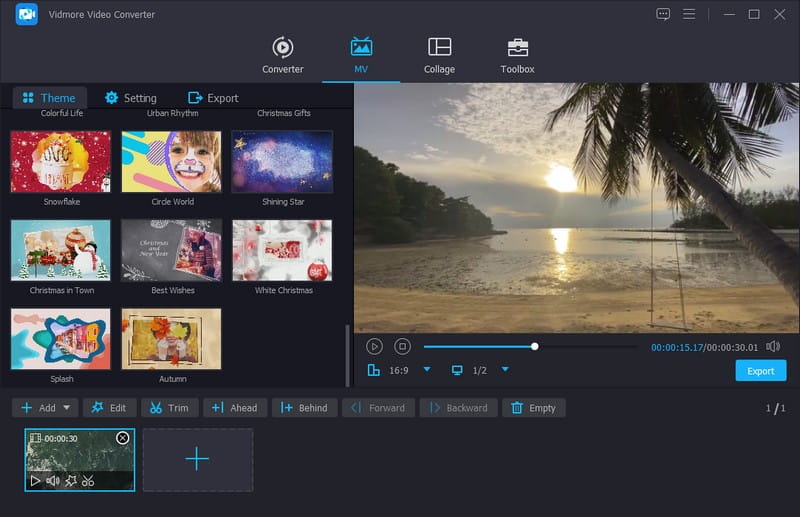
VN Video Editor is one of the most popular no-watermark video editing apps among TikTok creators and vloggers
3. InShot
InShot is one of the most commonly used no-watermark video editing apps (when used properly) thanks to its simplicity and fast editing workflow. It is best suited for users who don’t want to spend time learning complex editing tools but still want to create clean and attractive videos for daily TikTok posting.
Key strengths:
-
Simple interface, easy to use even for beginners
-
Fast adjustment of video ratios for TikTok, Reels, and Stories
-
Basic fonts, stickers, and effects suitable for short-form content
-
Quick trimming, merging, rotating, and speed control tools
-
Easy slideshow creation with photos and music
Practical tips:
-
Use blur background to fix incorrect video ratios for TikTok uploads
-
Combine short text captions with trending music to increase engagement
-
Use slideshow mode for quick review content or memory videos
-
Keep effects minimal to make videos look cleaner and easier to watch
Best use case: Creating simple TikTok videos, photo-based content, stories, or fast daily social media posts
4. YouCut
YouCut is a video editing app focused on simplicity and speed, making it ideal for users who need to quickly trim and merge videos for TikTok or other social platforms. One of its key advantages is smooth performance even on low-end devices, while still exporting clean videos without any watermark.
Key strengths:
-
Extremely fast trimming and merging with a simple workflow
-
No watermark on exported videos, suitable for TikTok
-
Lightweight app that runs smoothly on low-spec devices
-
Video compression feature to reduce file size while keeping decent quality
-
Basic tools like speed control, rotation, and music addition
Practical tips:
-
Use YouCut to clean up raw footage before advanced editing in other apps
-
Take advantage of video compression to upload faster with weak internet
-
Keep videos short and cut precisely to match TikTok pacing
-
Use external trending music instead of relying only on built-in tracks for better viral potential
Best use case: Quickly trimming and merging videos, simple editing, and posting directly to TikTok without complex editing steps
5. KineMaster
KineMaster is one of the most powerful and long-established mobile video editing apps, widely used by creators who need a higher level of editing control. It is suitable for users who want to manage each layer of their video instead of only doing basic cutting and merging.
Key strengths:
-
Multi-layer editing support for video, text, and effects
-
Chroma key (green screen removal) for easy background replacement
-
Rich library of effects, transitions, and editing assets
-
Detailed audio editing for each video segment
-
Strong timeline control for more advanced editing workflows
Practical tips:
-
Use layers to separate video, text, and audio for easier editing
-
Combine chroma key with overlays to create professional-style effects
-
Avoid overusing effects to keep videos smooth and TikTok-friendly
-
Export in high quality, then optimize if needed for faster uploading
Best use case: Creating more advanced videos with complex effects or content that requires multi-layer editing and detailed control
6. PowerDirector
PowerDirector is a heavy-duty mobile video editing app developed from a well-known desktop editing platform. It is best suited for users who want to create high-quality videos with smoother motion and sharper visuals compared to basic quick-edit apps.
Key strengths:
-
Supports 4K video editing with high-quality output
-
Video stabilization tool to reduce shaky footage from handheld recording
-
Wide range of transitions and professional color filters
-
Detailed audio and video timeline editing control
-
Fast export options on powerful devices
Practical tips:
-
Use the stabilizer tool to fix shaky footage before posting on TikTok
-
Apply light color adjustments (contrast, saturation) for a more polished look
-
Avoid overusing effects to keep videos clean and easy to watch
-
Export in high quality first, then compress if needed for faster uploads
Best use case: Creating high-quality videos, vlogs, product reviews, or content that requires sharper visuals and more stable footage than basic editing apps
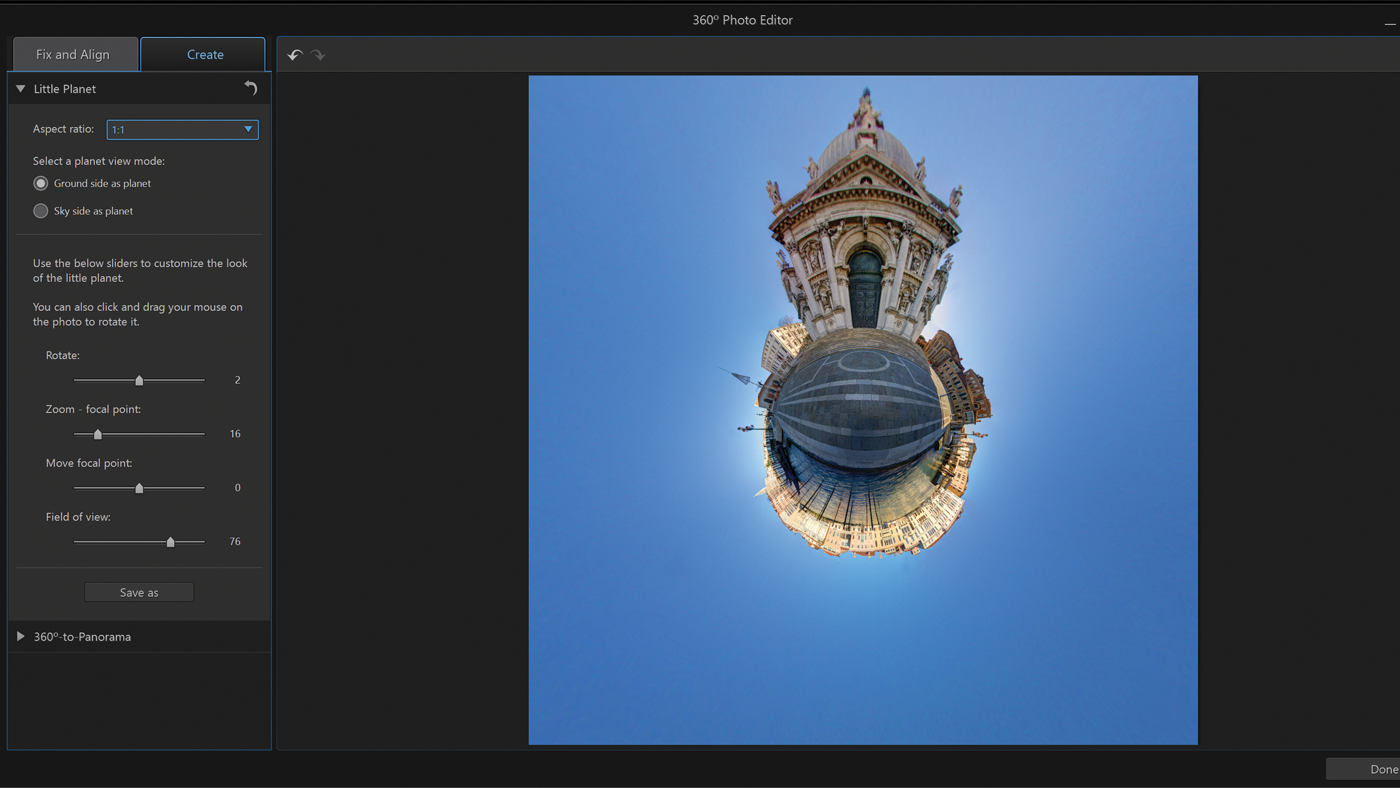
PowerDirector is a heavy-duty mobile video editing app developed from a well-known desktop editing platform
7. VivaVideo
VivaVideo is a popular video editing app among users who enjoy creating entertaining, casual, and personal short-form content. Its main strength is the ability to produce videos quickly without requiring advanced editing skills, making it ideal for beginners who want to start creating TikTok content.
Key strengths:
-
Built-in templates for quick video creation based on different themes
-
Transitions and filters designed in a fun, entertainment-style format
-
Supports combining photos, videos, and music in one project
-
Simple interface that is easy for beginners to use
-
Well-suited for casual or personal short-form content
Practical tips:
-
Use ready-made templates instead of editing everything manually
-
Combine trending music to increase engagement on TikTok
-
Keep effects moderate to avoid making videos look too cluttered
-
Best used for memories, stories, or light entertainment content
Best use case: Creating entertainment videos, photo slideshows with music, personal stories, or simple TikTok content without complex editing steps
8. VLLO
VLLO is a highly rated video editing app known for its clean user experience and user-focused design. Its biggest advantage is that it offers no watermark even in the free version, along with a minimal and clutter-free interface that makes editing smooth for both beginners and regular content creators.
The app stands out for balancing ease of use with enough features to create polished videos, especially for TikTok content, light vlogs, or personal storytelling.
Key strengths:
-
No watermark even in the free version
-
Clean and simple interface with no visual clutter
-
A decent library of free music and sound effects
-
Clear timeline editing for better video control
-
Modern stickers and lightweight effects suitable for social content
Practical tips:
-
Use a simple layout to maintain VLLO’s clean editing style
-
Combine soft background music with short text for better engagement
-
Organize projects clearly from the start to avoid confusion in longer edits
-
Best used for vlog-style videos or content that needs a more refined look rather than heavy effects
Best use case: Creating TikTok vlogs, lifestyle videos, light product reviews, or clean and minimal social media content
9. DaVinci Resolve
DaVinci Resolve is one of the most powerful video editing tools available today, widely used in both the film industry and professional content production. Its standout advantage is that even the free version is extremely powerful and comes without any watermark, making it ideal for users who want to take their video quality to a more advanced level.
Key strengths:
-
Industry-leading color grading tools for professional-quality visuals
-
All-in-one workflow for editing, effects, and audio processing
-
No watermark in the free version
-
Supports high-quality exports up to 4K
-
Widely used in film production and TV commercials
Practical tips:
-
Focus on the Edit and Color tabs if you are a beginner
-
Use light color grading to enhance TikTok or YouTube Shorts videos
-
You don’t need to use advanced tools at the beginning - start with the basics
-
Take advantage of built-in presets to save editing time
Best use case: Creating high-quality cinematic videos, advanced vlogs, or content that requires detailed color work and professional-level editing
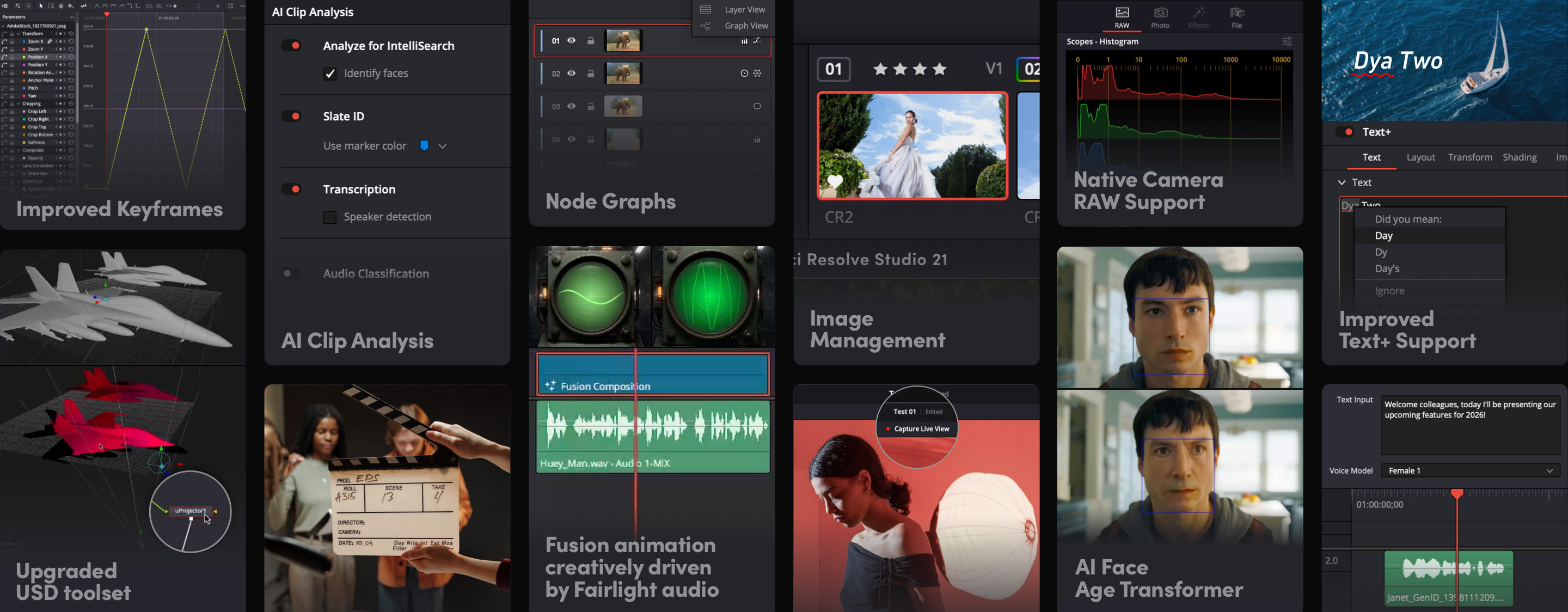
One of the most powerful video editing tools available today, widely used in both the film industry and professional content production
10. Lightworks
Lightworks is a long-established video editing software that has been used in various well-known film projects. Its main strength lies in its stable editing performance, professional interface, and well-structured workflow, making it suitable for users who want a more serious and organized editing experience on PC.
Key strengths:
-
Professional editing interface with a clear and structured timeline
-
Stable and smooth video editing performance on PC
-
No watermark in the free version
-
Supports multiple video formats
-
Has been used in film and large-scale content production
Practical tips:
-
Get familiar with the timeline first to avoid confusion during editing
-
Stick to basic tools if you are just starting out
-
Use precise cutting tools to improve video smoothness
-
Best suited for long-form videos or structured editing workflows
Best use case: Editing long videos, learning professional editing, or creating structured content that requires more stability compared to mobile editing apps
Conclusion
There is no single best video editing app for everyone. The most important thing is choosing the right tool that fits your content creation style. If you need speed and fast trend-based editing, CapCut is one of the most optimal choices. If you want more control over your edits, VN Video Editor or VLLO may be a better fit. And if you want to upgrade to a more professional level, DaVinci Resolve or Lightworks are worth learning seriously. What matters most is not the app itself, but your consistency in creating content and improving your workflow over time. Every app in this list can help you create high-quality videos if you use it for the right purpose. Choose 1–2 apps that fit your needs best and start creating today instead of testing too many tools without clear results.